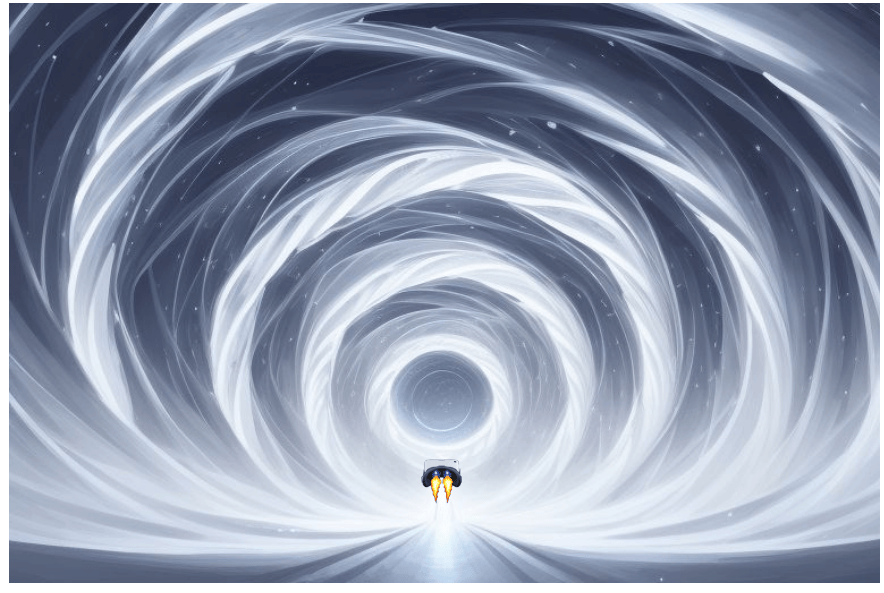
As a safety feature, to prevent unauthorised access by children and others who might be at risk, on most smartphones the app only opens when the phone is held precisely horizontal in relation to the gravitational field of the planet or space station you are on.
Click the icon below for the free download of Strobonaut for Android — no sign-up, no registration, no data collected — just download and fly

If you use an iPhone consider purchasing a refurbished Android to use as a dedicated Strobonaut propulsion unit. It means that then you do not get interrupted by calls, notifications etc. during a flicker run. Your main phone can be used for the session audio. Recommended models of Android are given below.

Installing the Strobonaut App on Android
The Strobonaut app is a direct download (APK file) for Android devices. It comes directly from the developer (Pete Carr, a psychiatrist with EMDR expertise) and is safe to install. Follow these steps to install:
Step 1: Enable Installation from Unknown Sources
Before you can install the app, you’ll need to adjust your phone’s security settings:
- Android 8.0 and newer: When you try to install the APK, Android will prompt you to allow installation from your browser or file manager. Tap “Settings” and enable “Allow from this source”
- Older Android versions: Go to Settings > Security, and enable “Unknown sources” or “Install unknown apps”
Step 2: Download the APK
- Tap the download link on this website using your Android phone’s browser
- The APK file will download to your device (usually to your Downloads folder)
Step 3: Install the App
- Once downloaded, tap the notification or open your Downloads folder
- Tap the Strobonaut APK file
- Follow the installation prompts
- Tap “Install” when prompted
Step 4: Launch Strobonaut
- Once installed, you can find the Strobonaut app in your app drawer
Using a dedicated Android phone (optional but recommended):
If you use an iPhone, or want to enhance your sessions, consider using a dedicated Android phone for the Strobonaut app. Refurbished Android phones are available online at modest prices depending on model and condition.
For best results, choose a refurbished Android phone with a 6.2–6.7 inch display, slim bezels and overall size under about 163 × 83 mm (the Destek V5 limit). Examples that work well include the Nokia 3.4, Samsung Galaxy A51, Motorola Moto G8 Power and Xiaomi Redmi Note 9. These are often available refurbished in the £50–£80 range, depending on condition.
Benefits of using two phones:
- Keep your main phone available for audio (music, guided meditation, hypnosis, etc.)
- Use the dedicated secondary phone in the VR headset for uninterrupted ganzflicker sessions
- Avoid notifications or calls disrupting your meditation